

See also the German article 🇩🇪
What does this warning mean?
Over 20% of calls to Phone AI come from the same number – an indication that the call forwarding to Phone AI is not providing the guest’s number.Background of the warning
For Phone AI to recognize the number of the calling guest, the configured forwarding to Phone AI must provide the guest’s number. The necessary configuration for this is:Blind Transfer with CLI (Caller Line Identification) - no screening
What to do?
1. Check which numbers are displayed in your calls
In the DialogShift app, open the Live Chat view: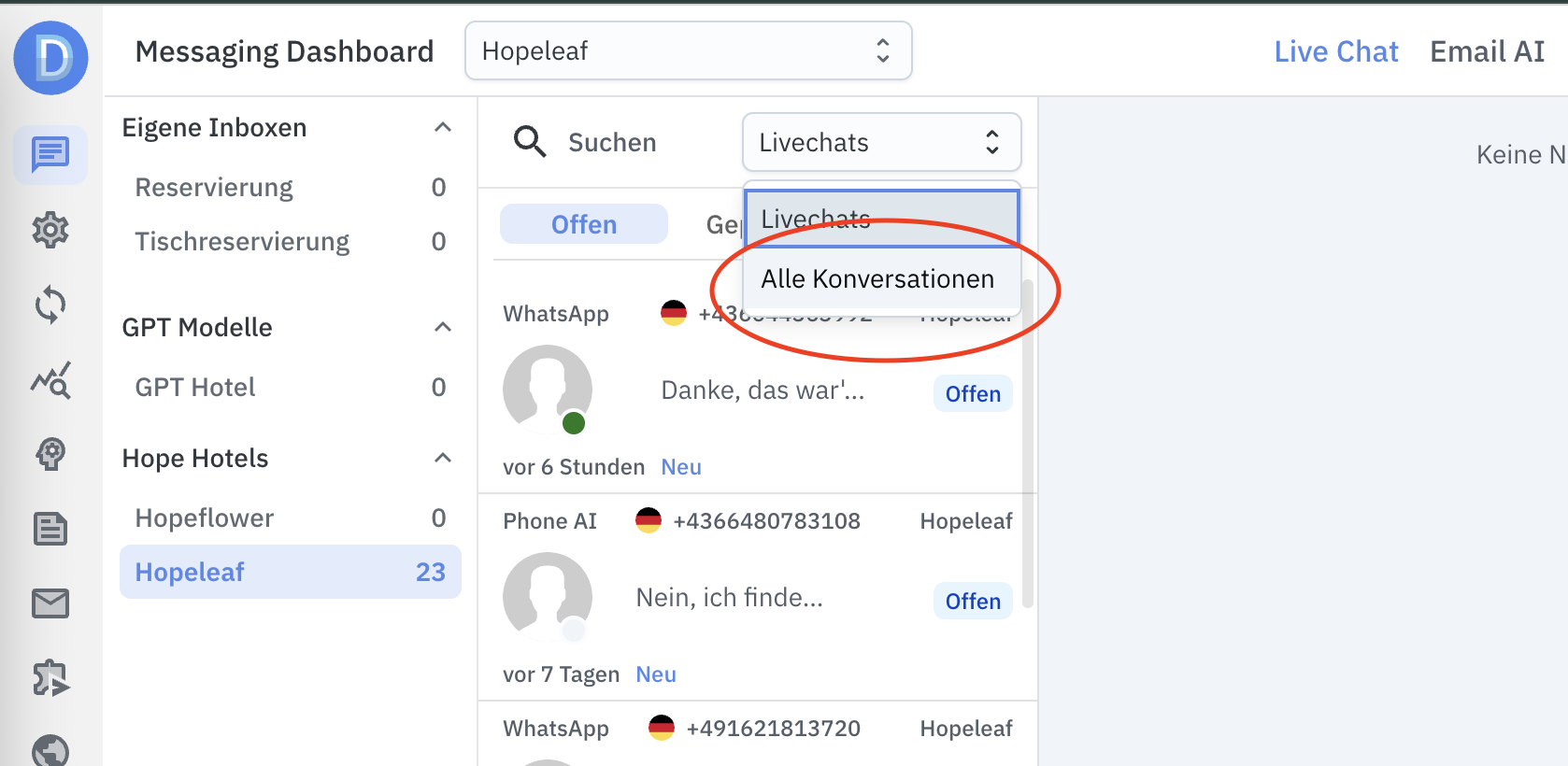
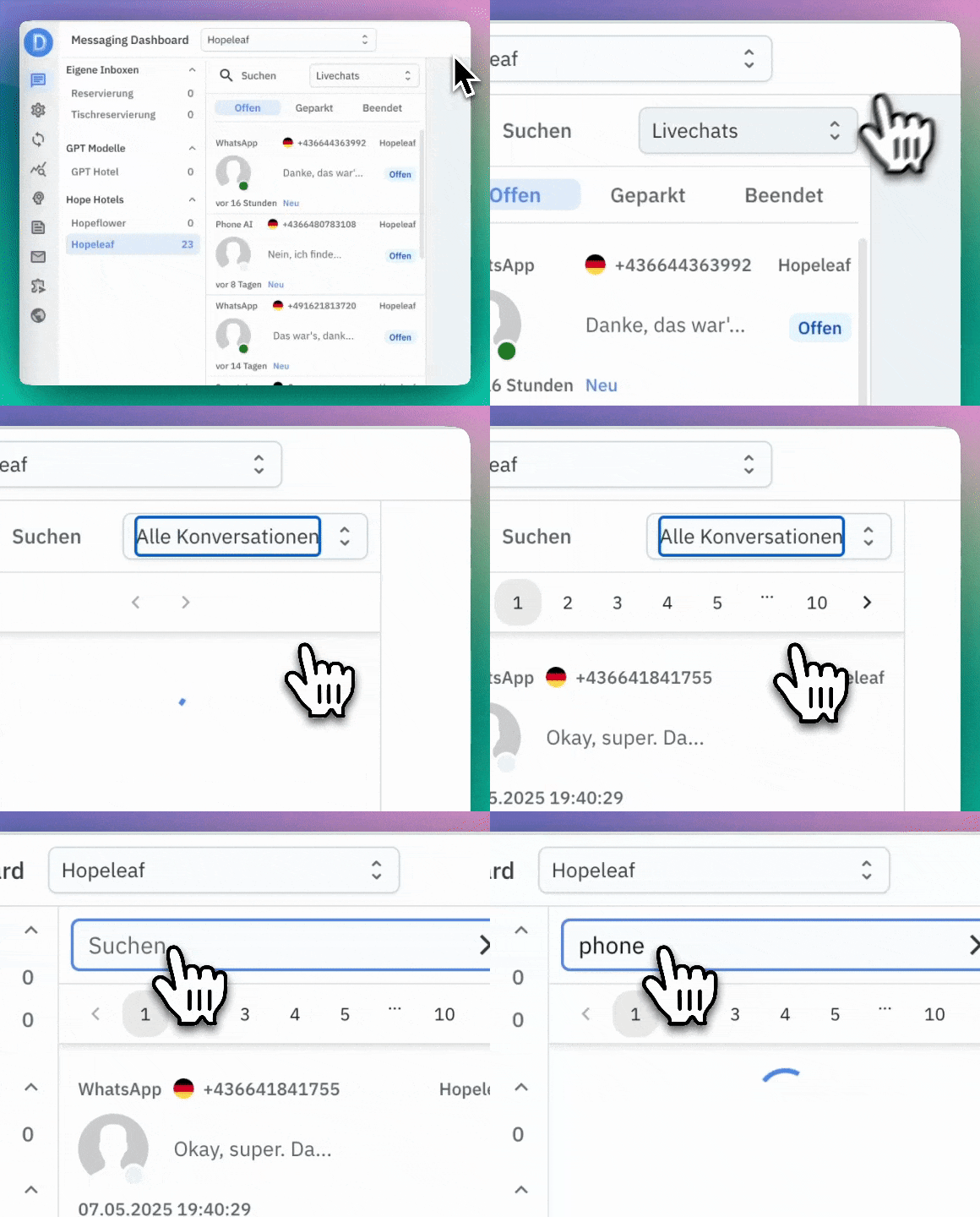 The phone numbers of the calling guests should appear in the phone numbers of the conversations.
Solution options
There are two ways to solve the problem:Option 1: Contact your phone service provider
Contact your phone service provider and make sure that Blind Transfer with CLI (Caller Line Identification) - no screening is active.Option 2: Use SIP integration (available from May 15, 2025)
Use the new capability of DialogShift Phone AI to log in directly to the hotel’s phone system as a SIP phone. These are the requirements you would need to clarify with your phone service provider:- Phone AI needs an additional SIP access in your phone system – essentially its own “phone connection”. This is basically the same as having another phone in the building.
- This SIP access must be reachable via the internet
For more details on SIP integration, see our SIP Integration article.