> ## Documentation Index
> Fetch the complete documentation index at: https://docs.dialogshift.com/llms.txt
> Use this file to discover all available pages before exploring further.
# Onboarding training
title: "DialogShift Onboarding: Training Session"
description: "Schedule a training session to learn how to effectively use the DialogShift app and your hotel AI"
icon: "graduation-cap"
----------------------
We're excited to invite you to a training session for our DialogShift app. Here you'll learn everything you need to know to effectively use your hotel AI.
## Training Details
45 minutes
Online training via Zoom (can be recorded)
## What to Expect
A complete introduction to all features of the DialogShift app
Concrete use cases to optimally integrate the app into your daily workflow
Time for your questions to clarify any uncertainties
After the training, you'll receive an email with the most important information so you can access it anytime.
## Next Steps
To schedule a training session with your Customer Success Manager:
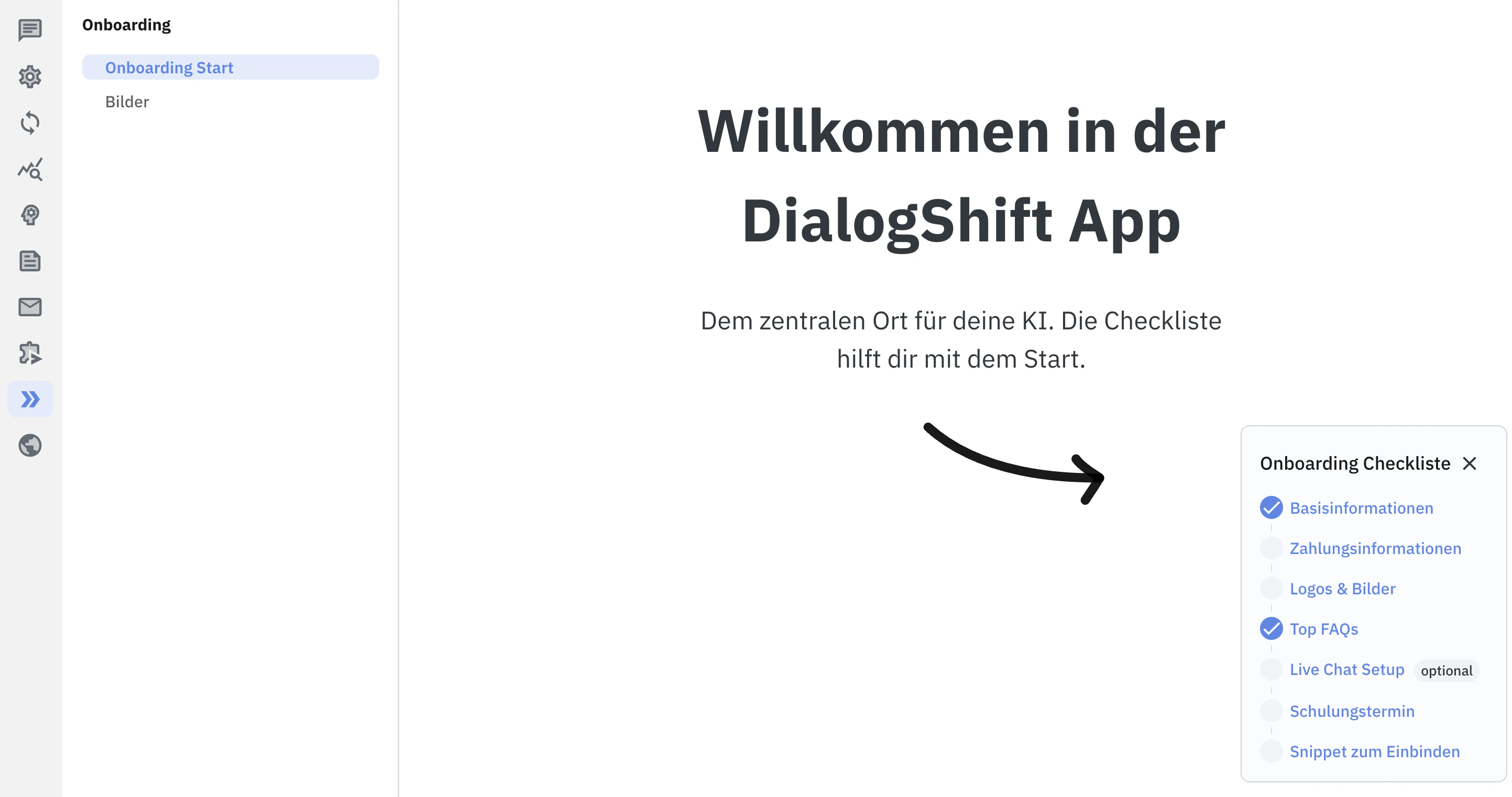
1. Ensure you have completed all onboarding tasks
2. Send an email to [support@dialogshift.com](mailto:support@dialogshift.com)
3. Include your preferred time slots
We look forward to welcoming you to our Zoom training session and helping you get the most out of our application!